All of the Twitch Drops from BlizzCon 2026
 @Draygonia_42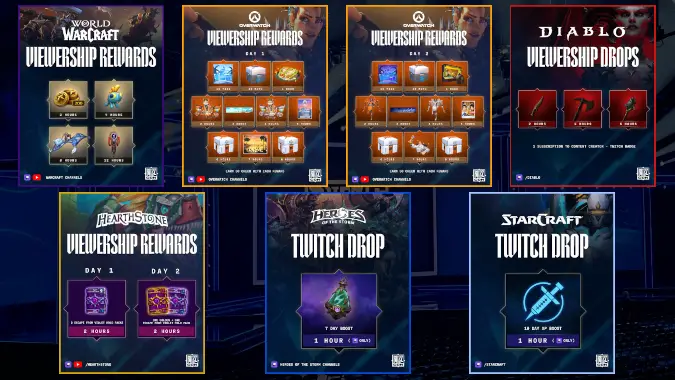
BlizzCon 2026 is rapidly approaching, and there’s good news for those of us who have cleared our calendars to watch virtually on September 12 and 13: an overflowing cornucopia of Twitch drops! All six franchises under the Blizzard umbrella are offering some sort of reward for tuning in, so be sure to link your accounts and mark your calendar to maximize your loot.
If you’re planning on attending BlizzCon, then no need to set fifteen tabs on your laptop in your hotel room before heading to the convention center: linking your BlizzCon pass to your Battle.net account will deposit each and every one of these rewards into your account. Just be sure to complete that link by September 18.
Here are all the rewards you can get from BlizzCon 2026 Twitch drops, and what home viewers will have to watch to get them.
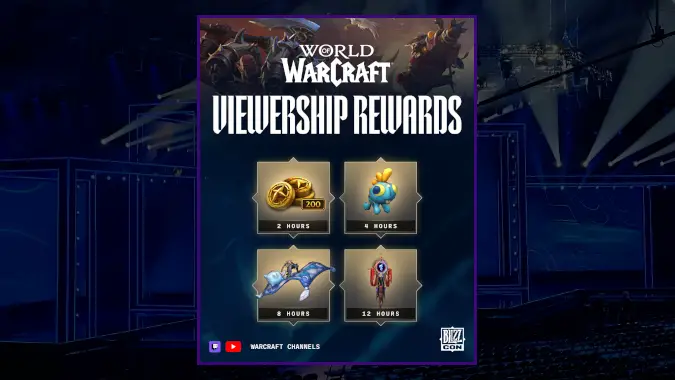
World of Warcraft BlizzCon Twitch Drops
Channel: World of Warcraft on YouTube or the World of Warcraft category on Twitch
When to watch: September 12-13 on YouTube, September 12-27 on Twitch
You can bring home some Azerothian swag by tuning into the stream from the Warcraft stage on YouTube during BlizzCon. The same rewards will be much easier to earn on Twitch, where you’ll have two full weeks to watch any streamer in the WoW category
- 2 hours: 200 Trader’s Tender
- 4 hours: Cuddly Blue Grrgle Player Housing decor
- 8 hours: Fluffy Comfy Flying Quilt mount
- 12 hours: Venomous Champion’s Illustrious Banner toy
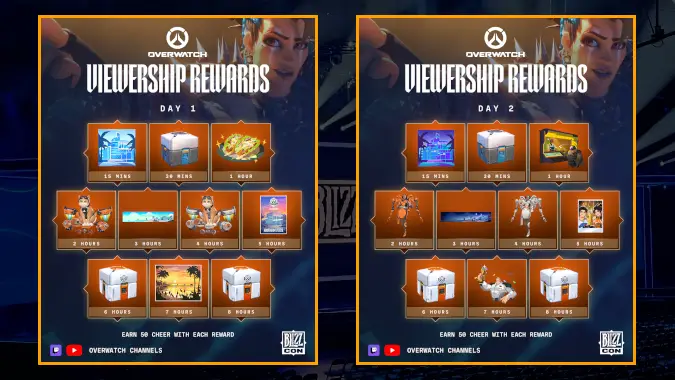
Overwatch BlizzCon Twitch Drops
Channel: Overwatch on YouTube or Overwatch on Twitch
When to watch: September 12 and 13 (during BlizzCon)
The Overwatch drops are plentiful and split by day. You’ll need to watch for eight hours on Saturday to earn all of the rewards, and then follow it with another eight hours on Sunday for the second set of goodies. Each milestone will also award 50 Cheer, a currency tied to the Overwatch World Cup (OWWC) that allows you to earn rewards by backing your favorite conference.
Day One, September 12
- 15 minutes: OWWC Anaheim 2026 Day Icon
- 30 minutes: Loot Box
- 1 hour: Fish Tacos Spray
- 2 hours: OWWC Home Jetpack Cat Skin
- 3 hours: OWWC Anaheim 2026 Day Name Card
- 4 hours: OWWC Away Jetpack Cat Skin
- 5 hours: OWWC Anaheim 2026 Spray
- 6 hours: Esports Loot Box
- 7 hours: SoCal Sunset 2026 Spray
- 8 hours: Esports Loot Box
Day Two, September 13
- 15 minutes: OWWC Anaheim 2026 Night Icon
- 30 minutes: Loot Box
- 1 hour: Tacos, as I Have Spray
- 2 hours: OWWC Home Domina Skin
- 3 hours: OWWC Anaheim 2026 Night Name Card
- 4 hours: OWWC Away Domina Skin
- 5 hours: World Cup Selfie 2026 Spray
- 6 hours: Esports Loot Box
- 7 hours: World Cup Celebration 2026 Spray
- 8 hours: Esports Loot Box
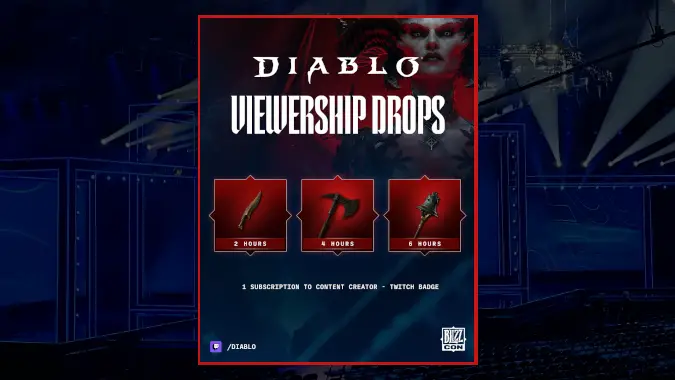
Diablo BlizzCon Twitch Drops
Channel: Diablo on Twitch
When to watch: September 12-15
Tuning in to the Diablo channel will allow you to pick up several weapon transmogs. Separately, if you subscribe to a creator on Twitch during the window of September 12-26, you can earn an exclusive Twitch badge.
- 2 hours: Serrated Skean dagger
- 4 hours: Corroded Cleaver axe
- 6 hours: Tintinnabulation mace
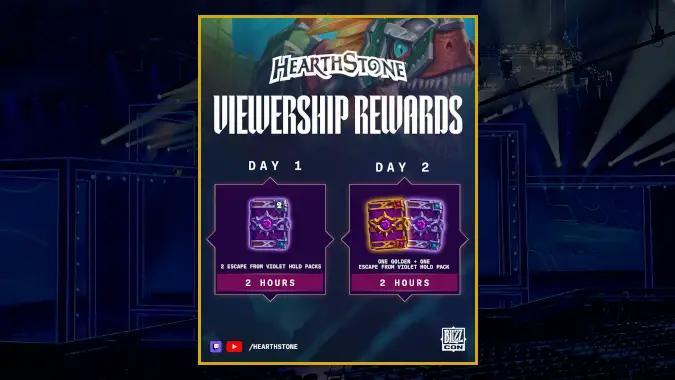
Hearthstone BlizzCon Twitch Drops
Channel: Hearthstone on Twitch or Hearthstone on YouTube
When to Watch: September 12-13 (during BlizzCon)
You can earn Hearthstone rewards for tuning in to the BlizzCon livestreams from the Hearthstone stage. They are divided by day and consist of card packs for the current expansion, Escape from Violet Hold. After watching for two hours on Day 1, you’ll earn two packs. After watching for two hours on Day 2, you’ll receive another pack plus a golden pack.
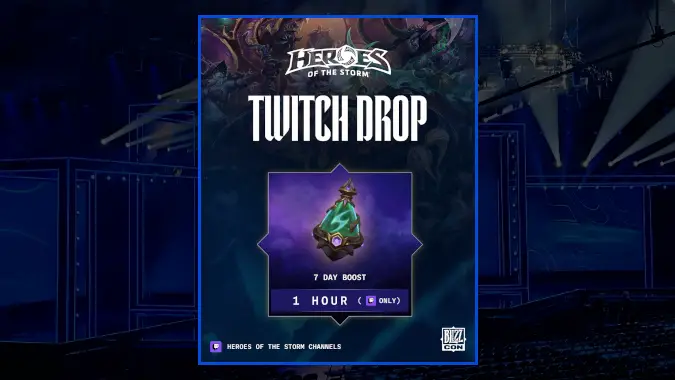
Heroes of the Storm BlizzCon Twitch Drops
Channel: Heroes of the Storm on Twitch
When to Watch: September 12
The Heroes of the Storm Classic Cup will be part of BlizzCon’s Saturday lineup from 12:00pm – 2:15pm. Tuning in for an hour during that window will net you a 7-day boost.
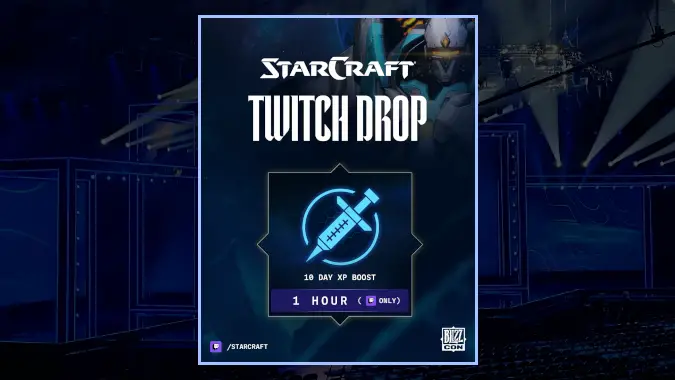
Starcraft BlizzCon Twitch Drops
Channel: Starcraft on Twitch
When to watch: September 12-13
Rounding our the rewards is a 10-day XP Boost for watching an hour of Starcraft streams. Several Classic Cup categories take place on Sunday, but the availability is marked as Saturday as well so don’t be afraid to tune in early to get a jump start on the goodies.
How to connect your Battle.net account to your Twitch account
It’s a straightforward process that will only require logging into Twitch and then going to your Battle.net settings — but keep your Battle.net Authenticator handy if you use one.
- Log in to your Twitch account.
- Go to the Battle.net Connections pane. If you’re not already logged into your Battle.net account, you’ll be prompted to do so.
- Scroll until you find the Twitch option, and click +Connect.
- Follow the instructions.
- Watch the streams.
Twitch channels that have drops active are labeled as such (there’s a “Drops Enabled” message near the stream categories). A great way to keep track of your progress is at the Twitch Drops Inventory page, which constantly updates with how close you are to earning the drop.
Once you finish watching for the required amount of time, a clickable message will pop up in the stream chat telling you that your drop is ready to be claimed, or you can claim it via the Drops Inventory page. You’ll receive the confirmation that you got it at that time, and you can always check the Drops Inventory page later to review successful acquisition.
Note that the rewards are independent of possessing or playing the game in question — they’re associated with your Battle.net account so they’ll be available when you play the game.
How to connect your Battle.net account to your YouTube account
YouTube and Battle.net integration is relatively easy to set up.
- Make sure you are logged in on your YouTube account.
- Go to your YouTube Account Sharing page.
- For Battle.net click the Connect button. You’ll need to be using a personal account to connect, not a “brand” account.
- If you’re not logged into your Battle.net account you’ll be prompted to do so. Make sure you have your authenticator handy!
- Watch the streams.
If you’re gaining credit towards the rewards you’ll see “Connected” underneath the broadcast window. If you don’t see this, ensure that your account is linked and refresh the page. Because the connection is fully integrated with YouTube you won’t need to “claim” the rewards; instead they should appear on your account shortly after you’ve watched for the specified time.
Please consider supporting our Patreon!
Join the Discussion
Blizzard Watch is a safe space for all readers. By leaving comments on this site you agree to follow our commenting and community guidelines.