🔒 Tips and tricks you may not know in Overwatch
Even though we’re celebrating the first anniversary of Overwatch this month, there are still some small things people may not know they can make this game do. The new Blizzard Watch Discord channel kicked things off with some questions, and then my finger slipped.
Here are a few things we thought you might like to know.
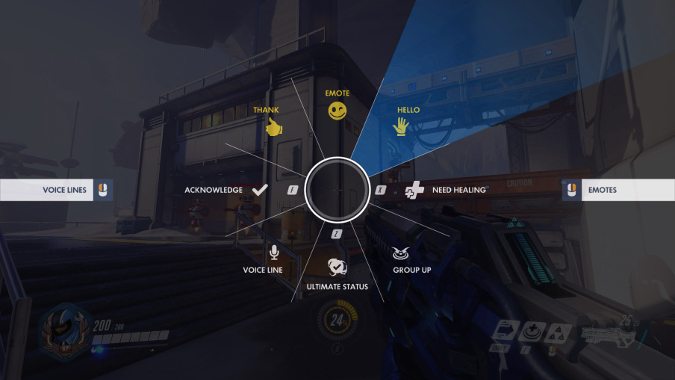
One thing people weren’t familiar with was the wheel of interactions. Hit C while you’re in game to bring up the wheel, then point to the slices with your mouse to highlight the option you’re looking for.
It’s pretty easy to accidentally hit some of these hotkeys — sorry Mercies everywhere, I don’t actually need healing — but others aren’t given a default hotkey, so it may be tough to figure out how to randomly wave and say hello. The enemy team will see your hellos, thank yous, voice lines and emotes, but won’t see more vital gameplay information like group up and your ultimate status.
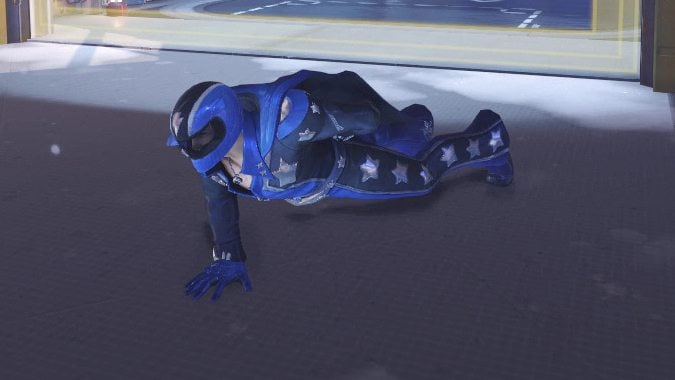
Be careful using your emote, though. You lose control of your character for a short moment while they show off their moves.
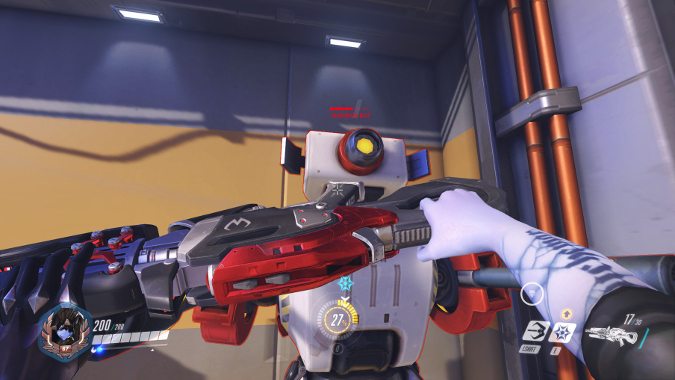
One thing a lot of players new to the game overlook is punching. If you’re toe to toe with another player, punching them in the face to kill them is equal parts sassy and satisfying. It’s also good for finishing off those more slippery characters. Most heroes only do 30 damage per melee attack, but sometimes it’s the best way to go. I bound mine to one of the thumb keys on my mouse.
It’s also fantastic for destroying those rude popcorn buckets on Hollywood. They know what they did.
The last thing to discuss is a bit more advanced, but seems obvious. Make sure to take a long look at the Options menu.
Some of the options are mostly just preference. I like swapping the reticle from the default circle to a crosshair on most of the characters I play, for instance. You can even make them hot pink if you’re maining Zarya this season.
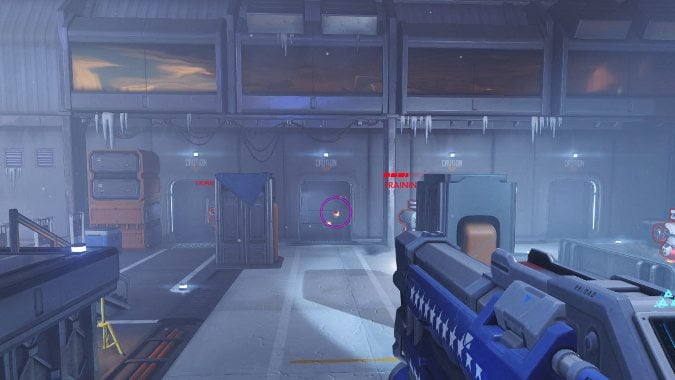
However, regardless of who you play you may want to take a look at your sensitivity options. On PC your sensitivity is set much higher than many pros use. Paradoxically, more sensitive makes it tougher to aim in most circumstances. The opposite seems to be true for consoles — most players like higher, there.
If you’re not quite sure you’ve got all your new settings quite right, you can always take them for a test spin through Practice vs AI mode before you face off against real people. However, if you’re having trouble with a slightly tricky mechanic, like how D.Va’s ult falls depending on how you launch it, the Practice Range may be what you’re looking for. In either case, both are accessed through the Training option on the main menu.
If you have any tips you’d like to share or questions of your own, we’d love to hear either!
Please consider supporting our Patreon!
Join the Discussion
Blizzard Watch is a safe space for all readers. By leaving comments on this site you agree to follow our commenting and community guidelines.







